Editing Project Information
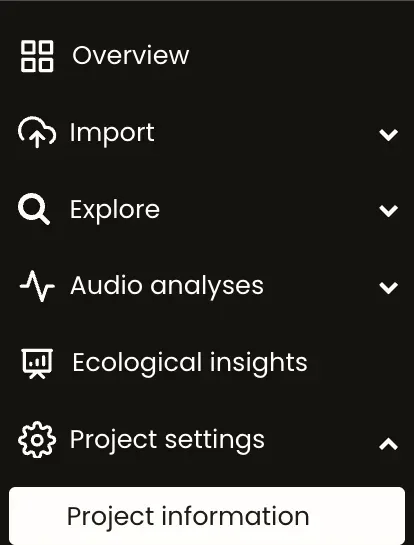
- Go to the project menu bar
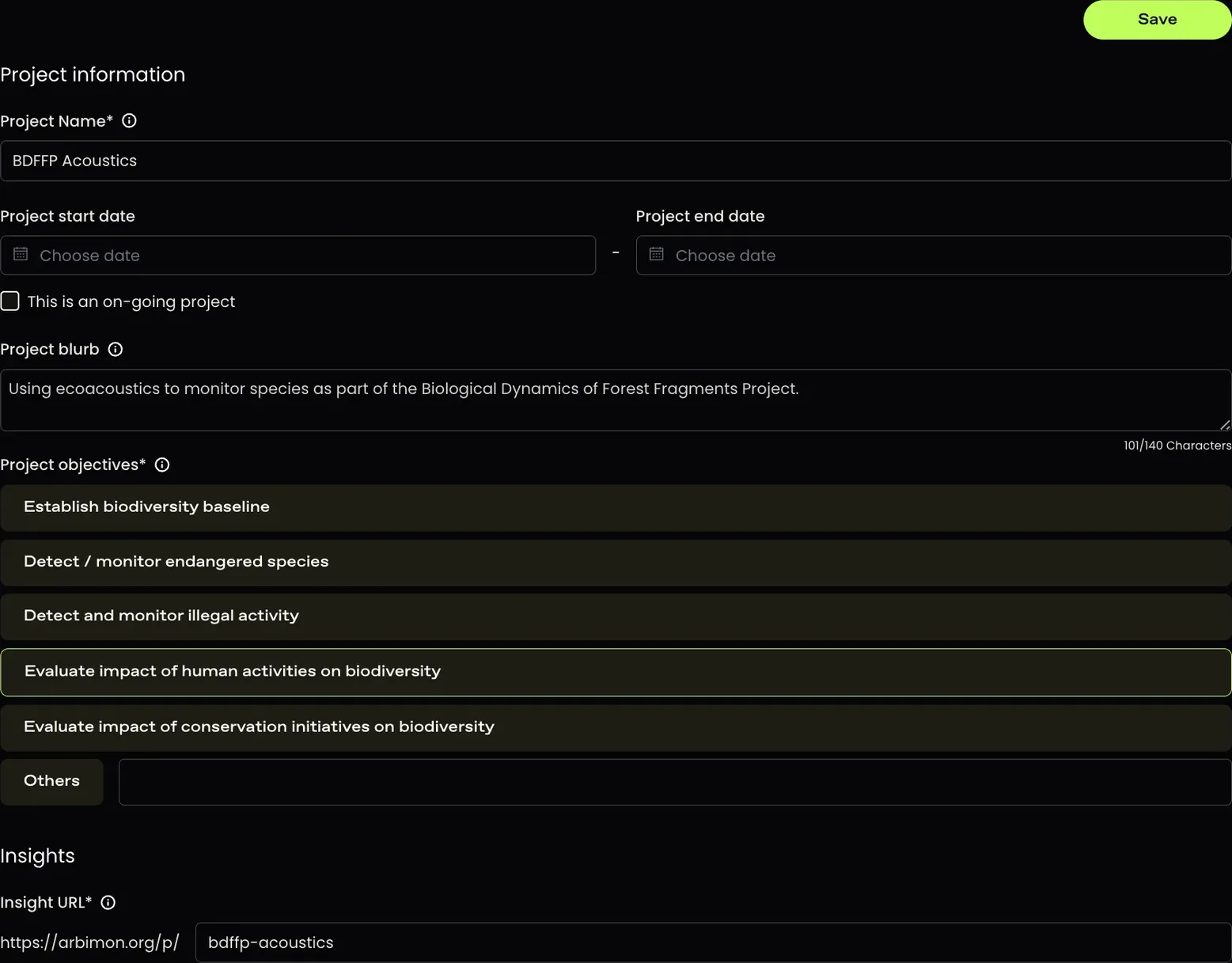
- Change any of the project settings you would like (name, start/end date, blurb, objectives, URL, photo).
Don't forget to click the 'Save' button!
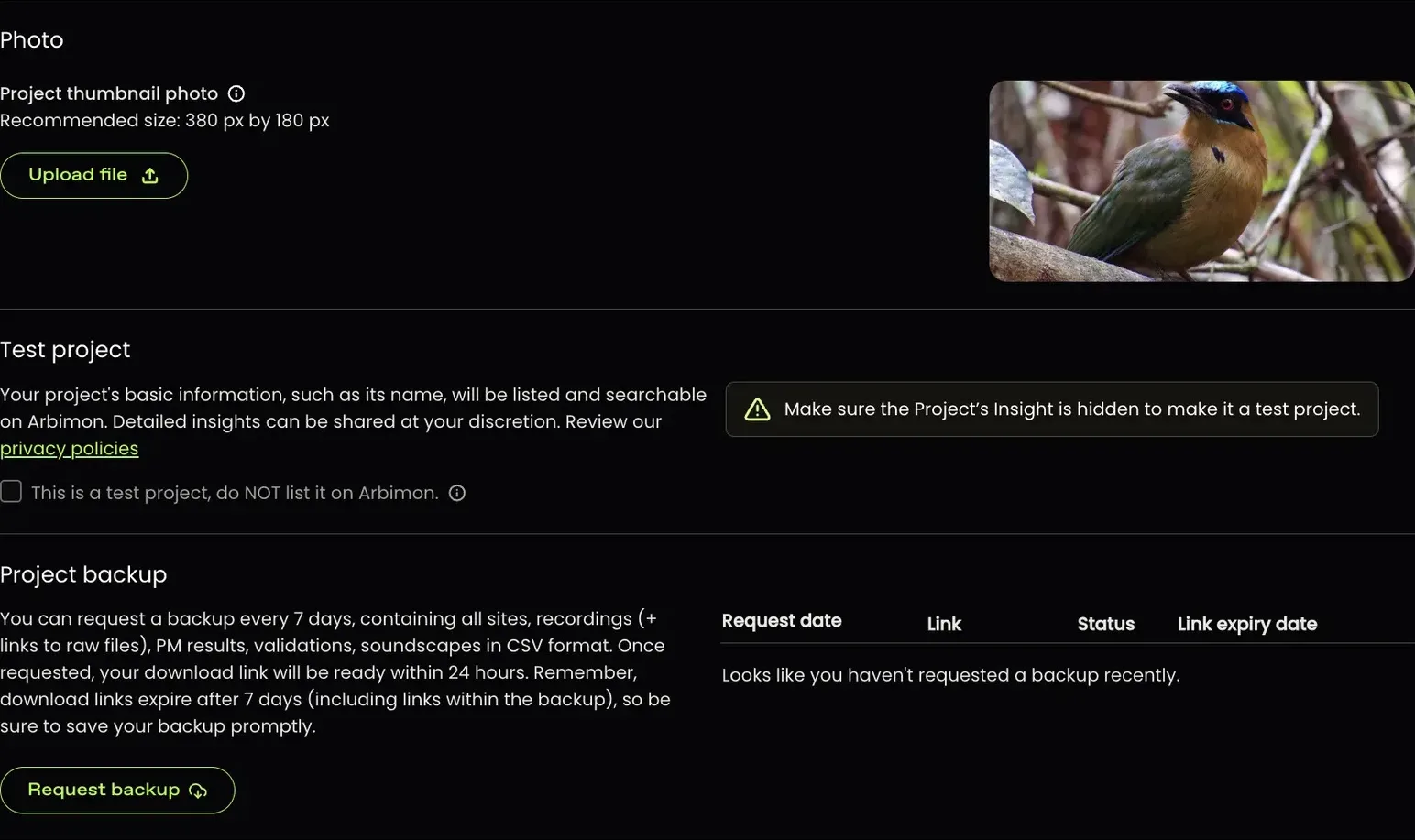
*To learn more about project backups, please read this support page.