Validating Presence of Species
What is an RFM Training Set?
The training set for RFM consists of two components:
- a training set pattern (region of interest [ROI])
- at least 50 presence and 50 absence species validations
This article covers #2 (how to validate species in your recordings).
Tip: Creating a training set applies to the Random Forest Model only. If you are interested in running Pattern Matching over your data, please reference Creating a Template instead.
How to Validate Species Presence/Absence
- Go to the project menu and click Explore, then Visualizer.
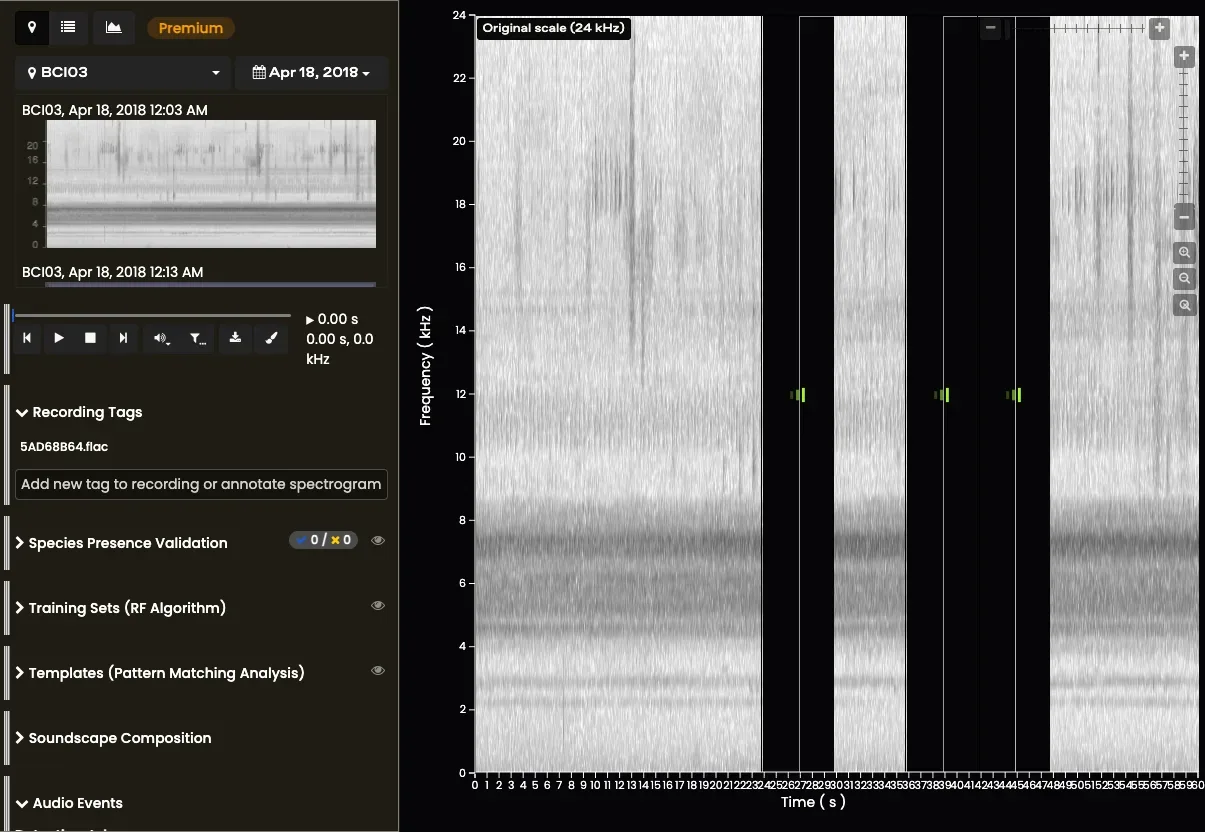
Explore recordings by selecting a Site and Date or by selecting a playlist (top left corner)
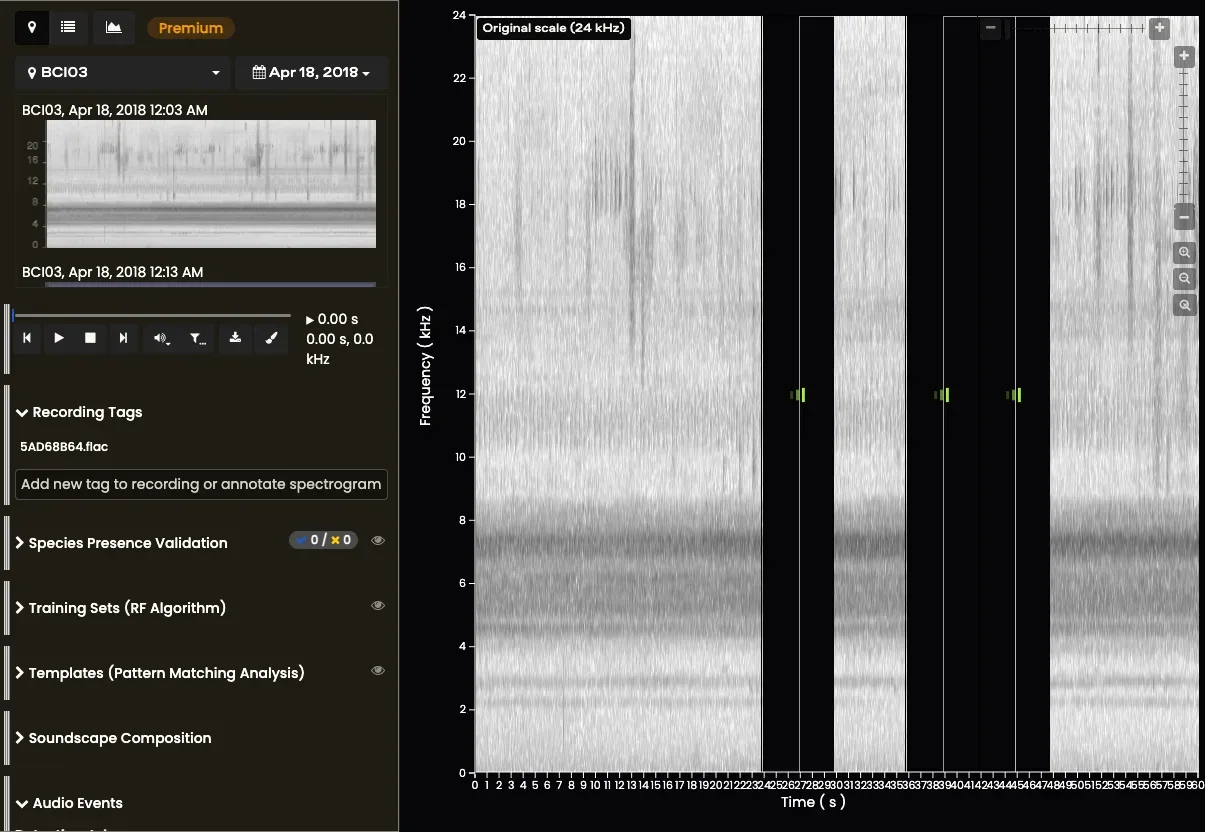
Learn more on the How to Use the Visualizer page.
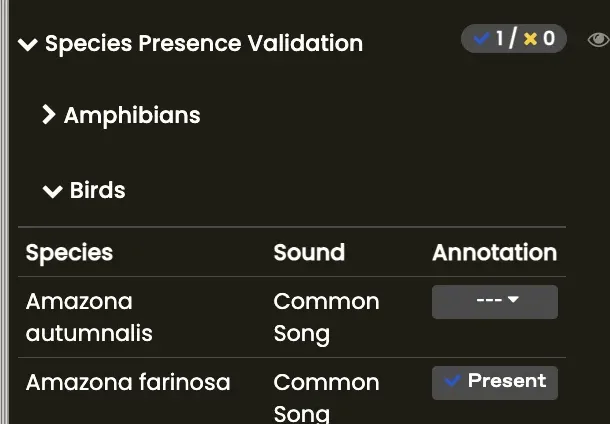
- In the left Visualizer menu, click on ‘Species Presence Validation’. Select the appropriate taxonomic group and scroll to where you see your species.
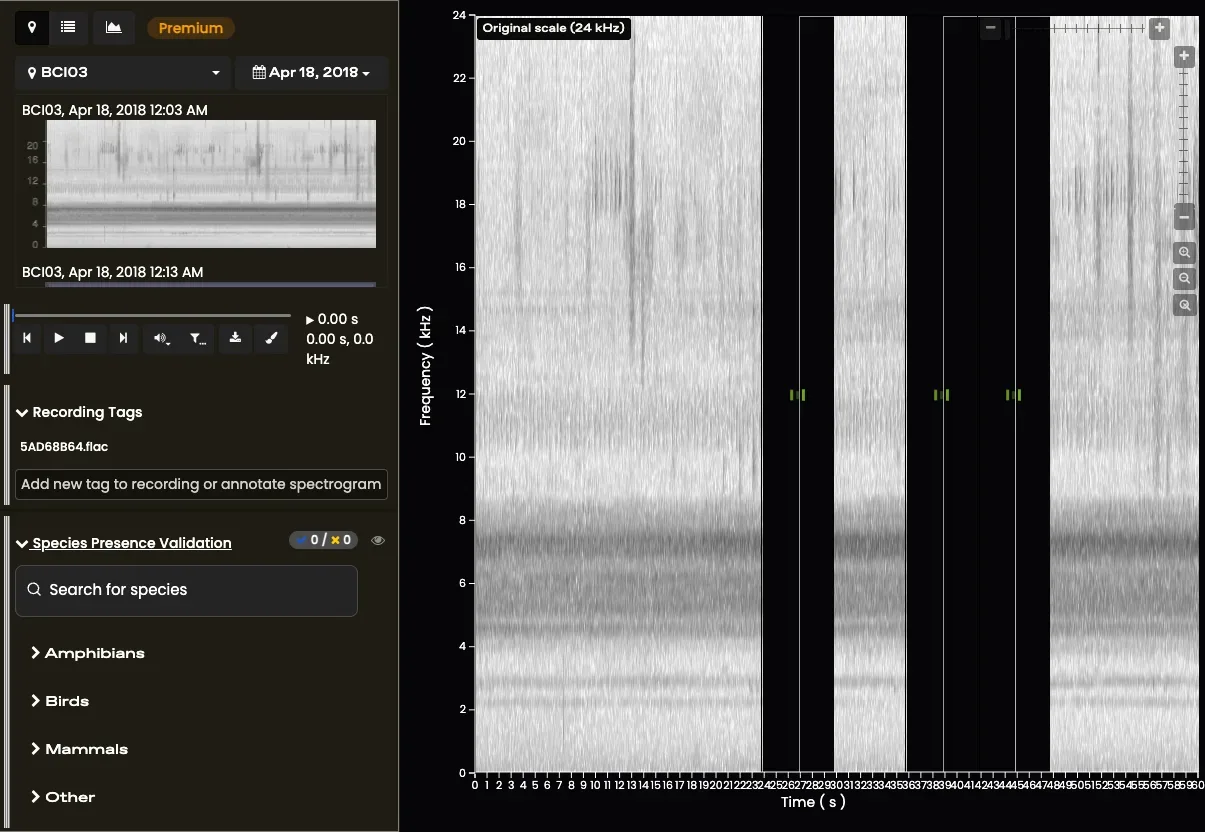
- Determine if the species of interest is present or absent within the entire 1-minute recording (visually or aurally). To validate the recording, click on ‘Annotation’ to indicate presence or absence of a species’ call.
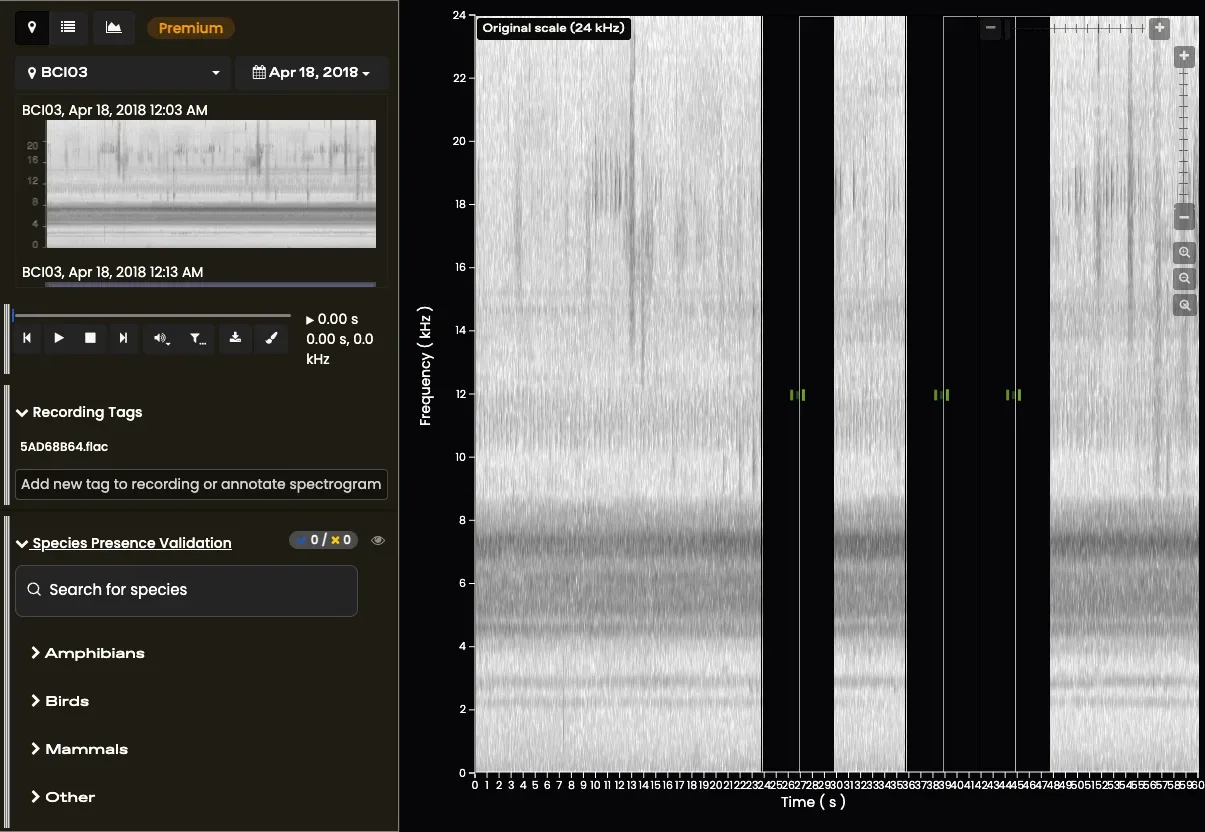
- Repeat these steps over a number of recordings. We recommend at least 50 presence and 50 absence validations per species to train Random Forest Models.