Validating Classification Jobs
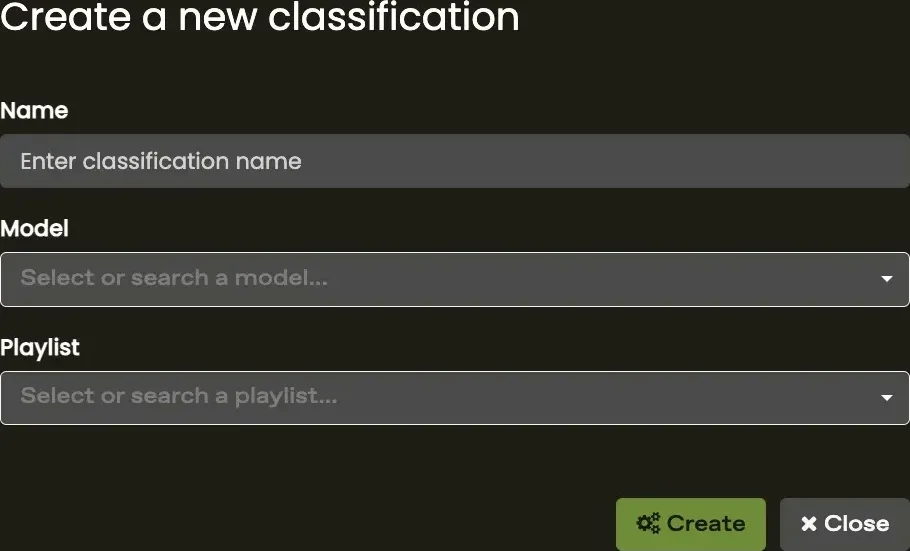
The results from running your model over a playlist can be further validated to eliminate any potential false positives. This is called a post-classification validation.
How to do post-classification validation for RFM
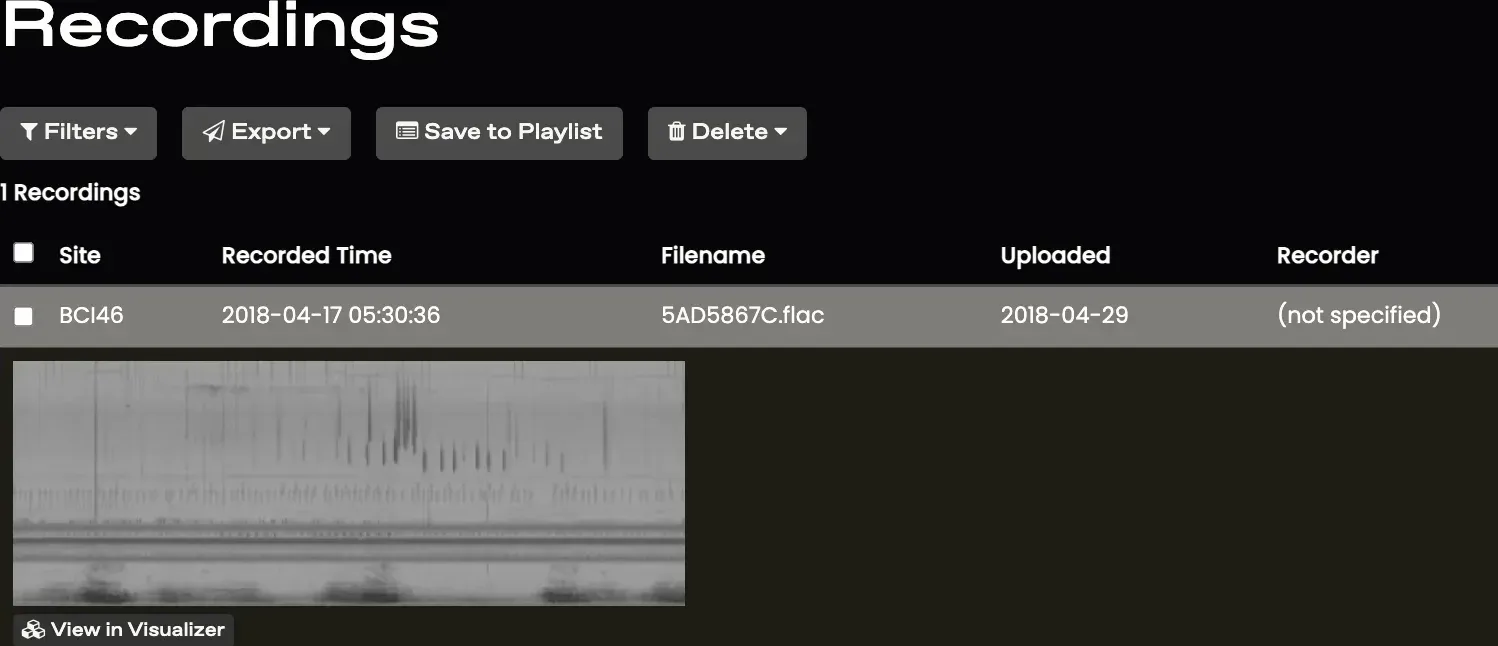
- In the project menu click Explore, then Recordings.
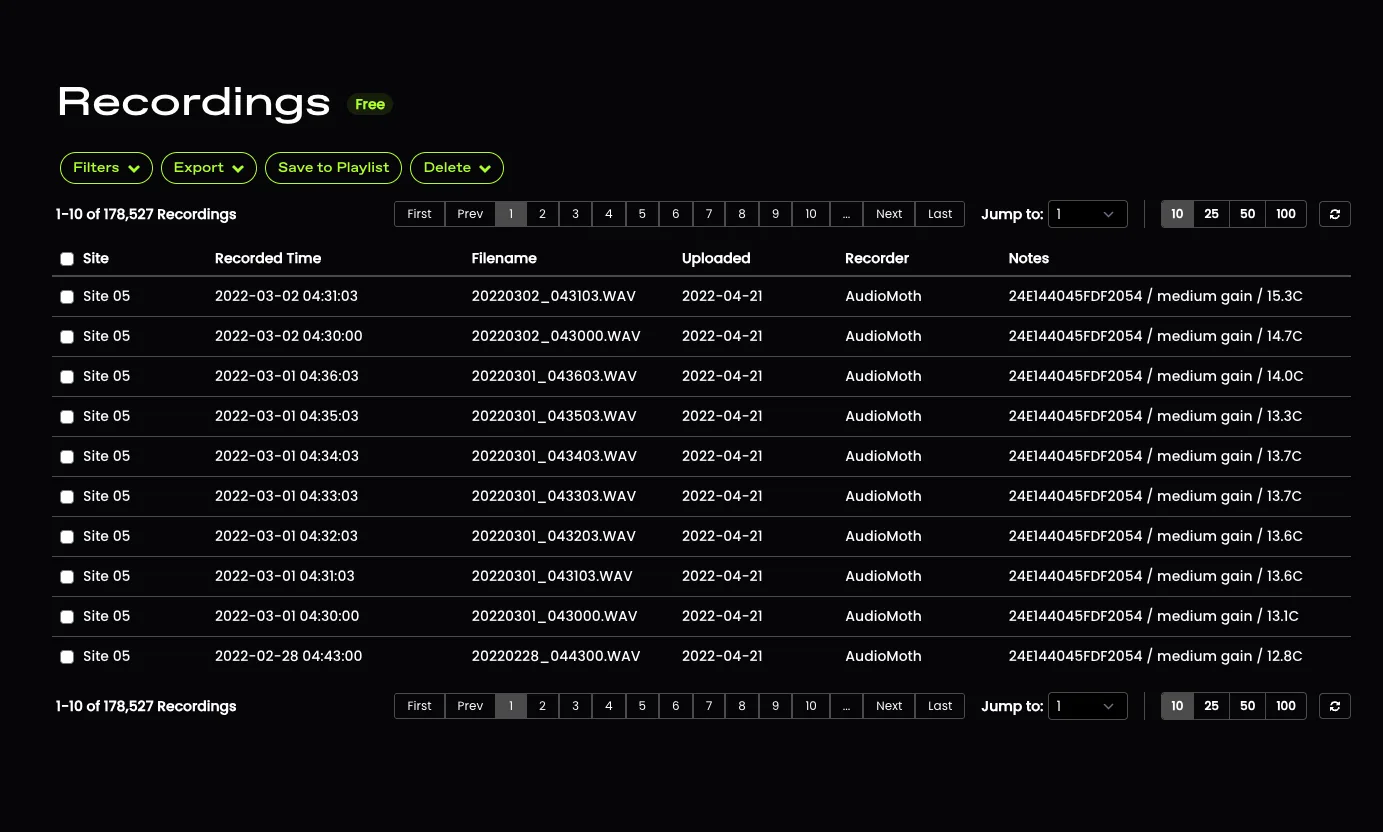
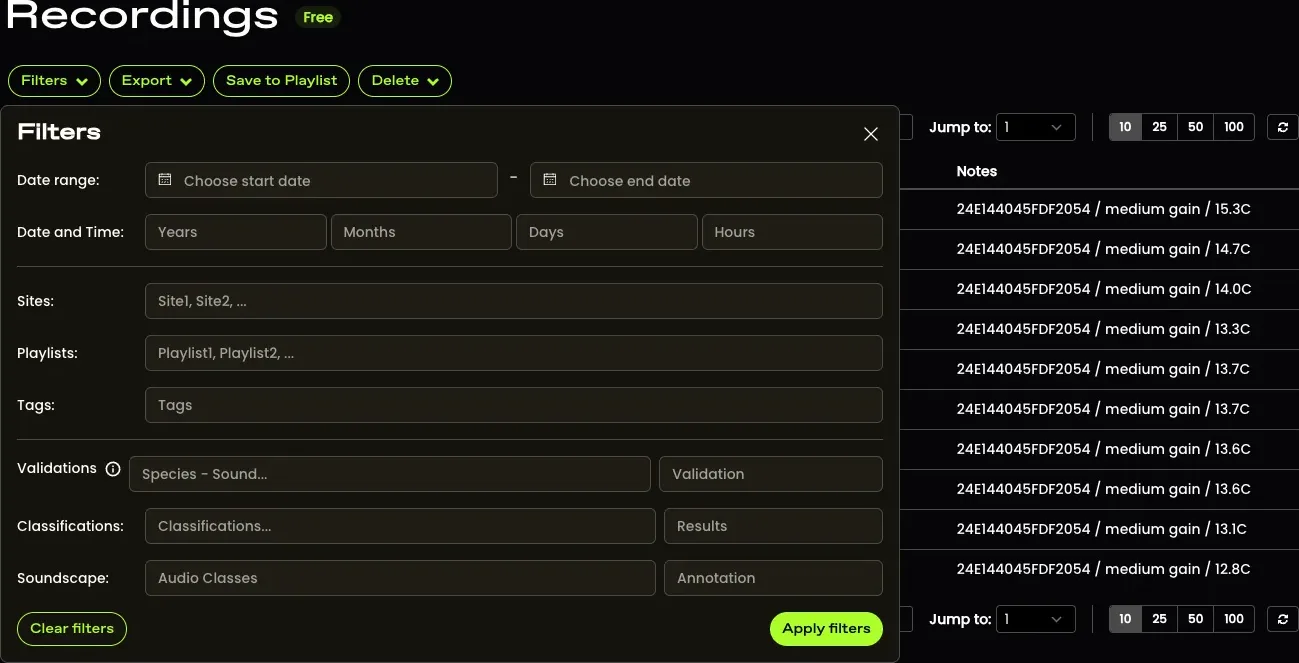
- Click ‘Filters’ and in the ‘Classifications’ section, select the RFM classification with all positive detections.
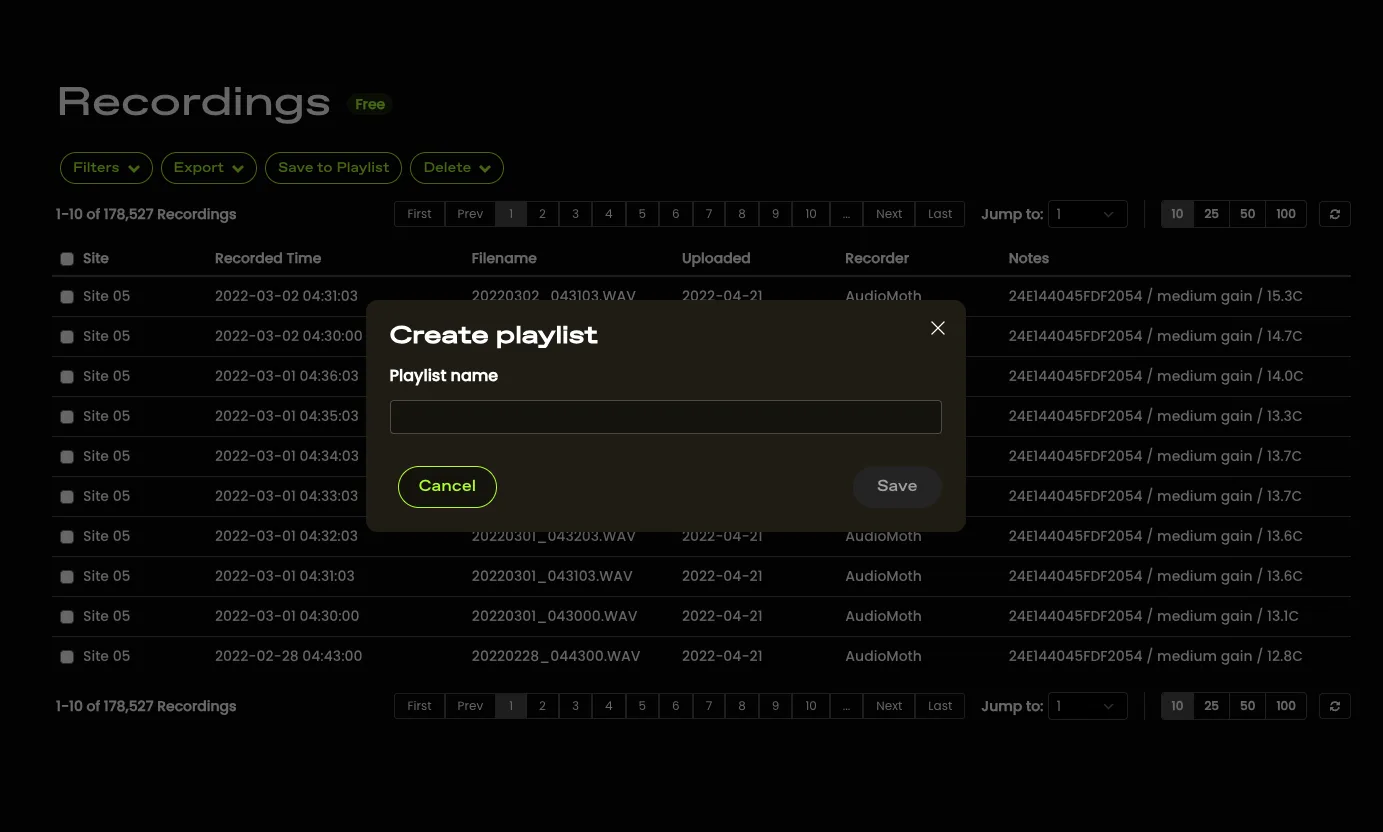
- Save these recordings to a Playlist.
- Listen to all or a subset of recordings to remove the false positive detections.
- In the project menu go to Audio analyses then Random Forest Model and click the ‘Classifications’ tab. Run your model on this new playlist with the false-positive detections removed, and you'll have results with fewer false positives.