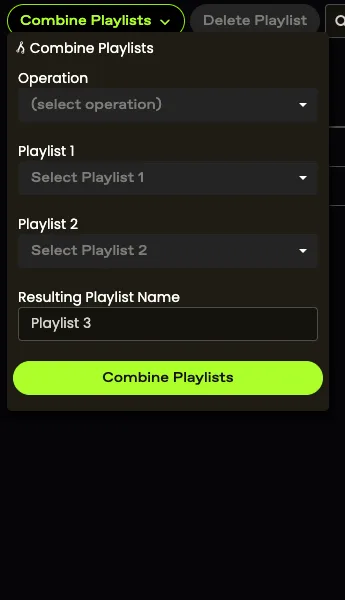
Merging Playlists
Arbimon allows you to combine playlists in various ways.
- Join Playlists will only add the two playlists together, so if there is a recording that is in both of the playlists, it will appear twice in the joined playlist.
- Intersect Playlists will take the two playlists selected and create a new playlist that contains only the recordings that are in both of the intersected playlists.
- Removing Playlists allows you to remove one playlist from another and will create a new playlist that has only the unique recordings from Playlist 1.
How to Merge Playlists
- In the project menu, click Explore, then Playlists.
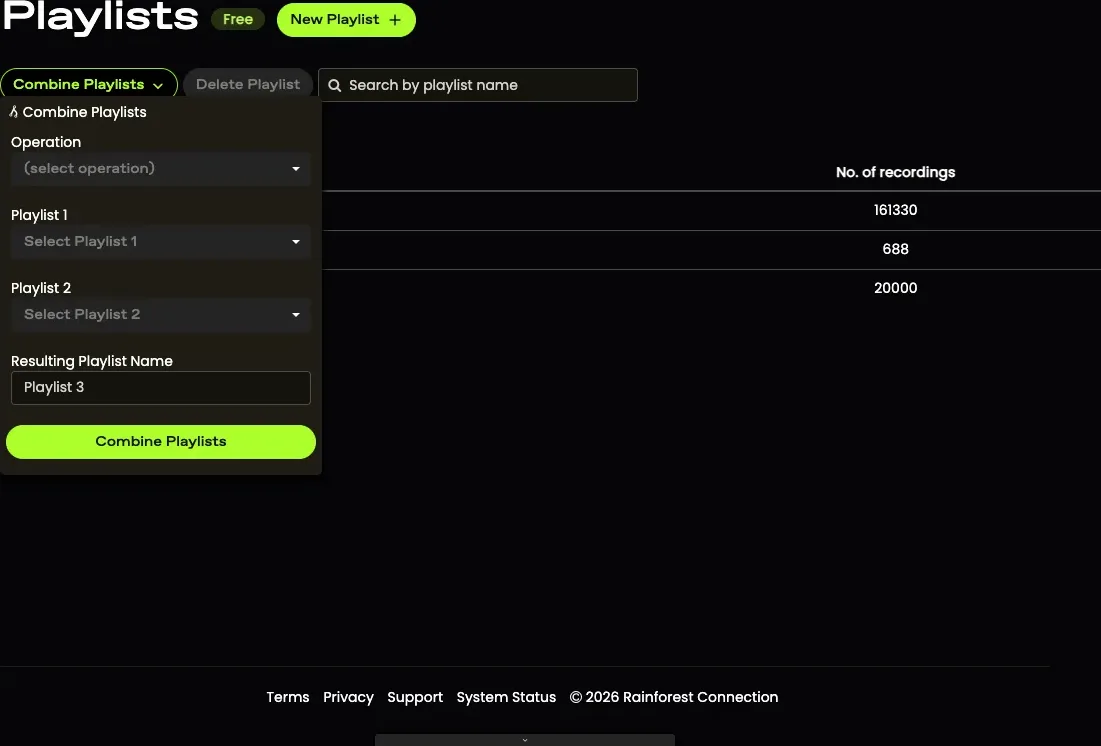

- Click the Combine icon.
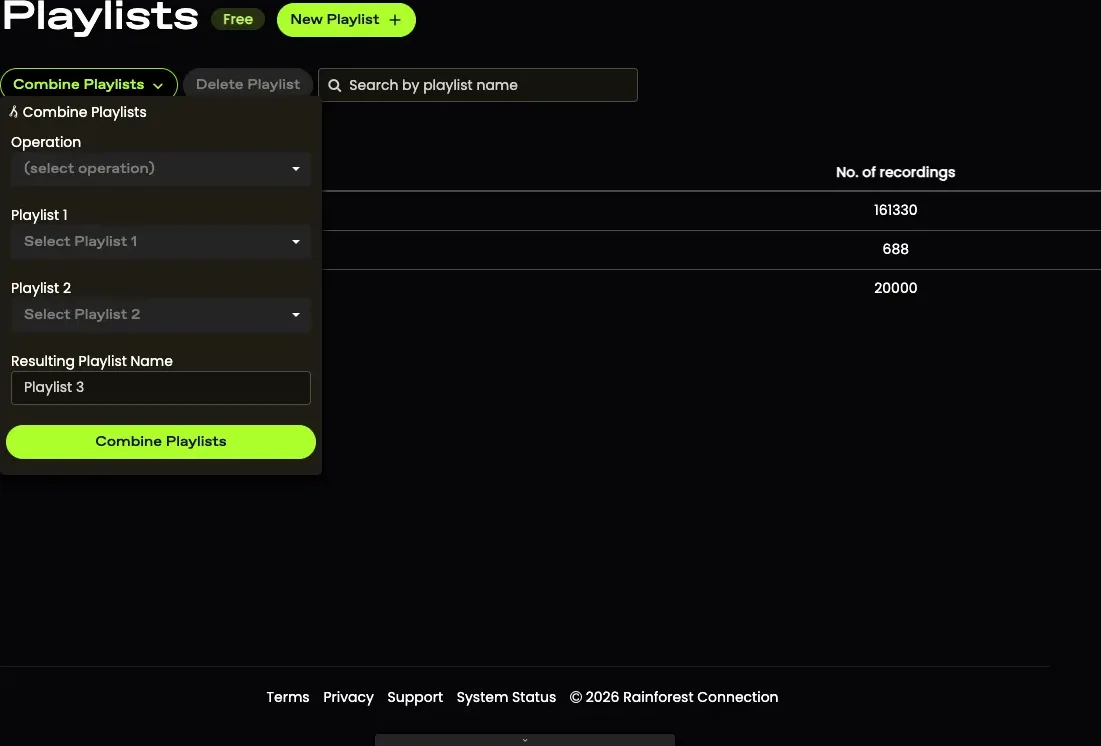

- Select the operation you would like to carry out and which playlists you want to modify. Provide a name for the resulting playlist. Click Combine Playlists.