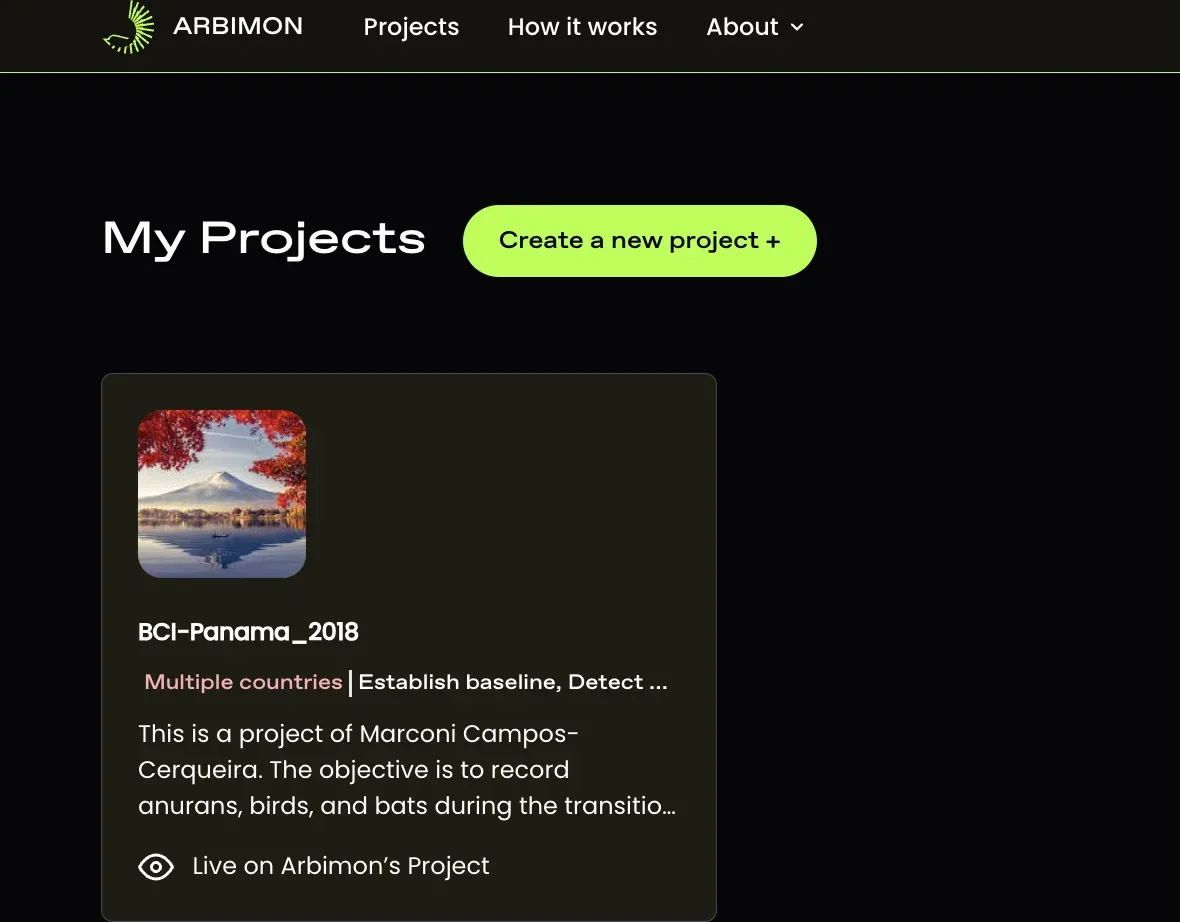
Creating a New Project
A project is a place to collect and organize your recordings into groups, for example, species or geological criteria.
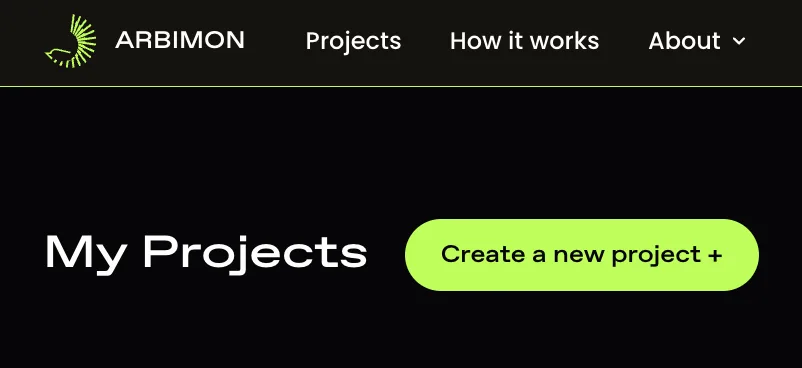
- Click on the ‘Create a new project’ button.
- Fill out the project form and click ‘Create project’
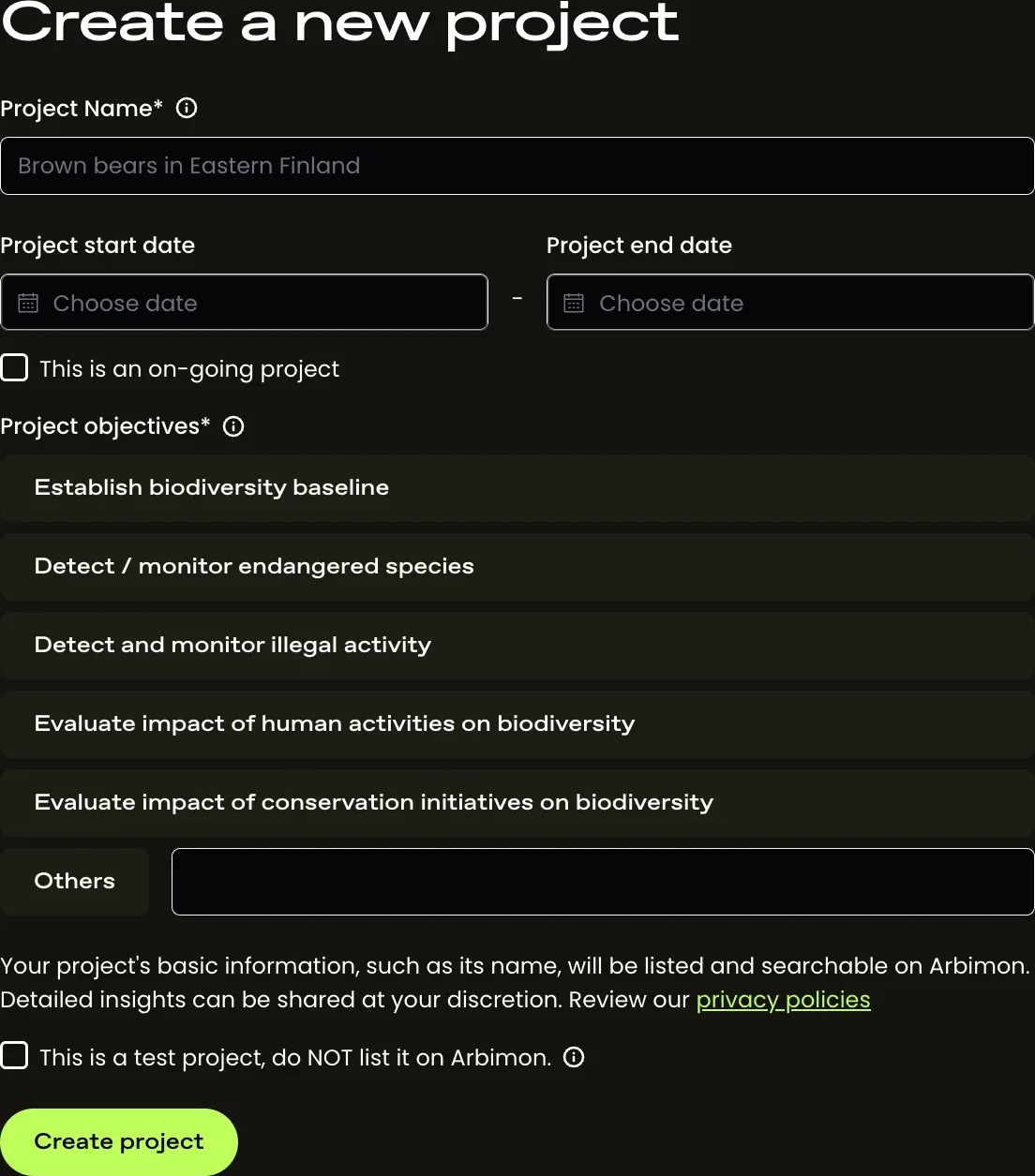
*Note: The project name must not have been used by others.
- After the project is created, you will be taken to the ‘My Projects’ page where you will see the new project card listed. If you are added as a user to another project, those projects will also appear on your ‘My Projects’ page.